Building a Self-Deploying Website Platform: What I Learned
2025-09-09 • 5 min read
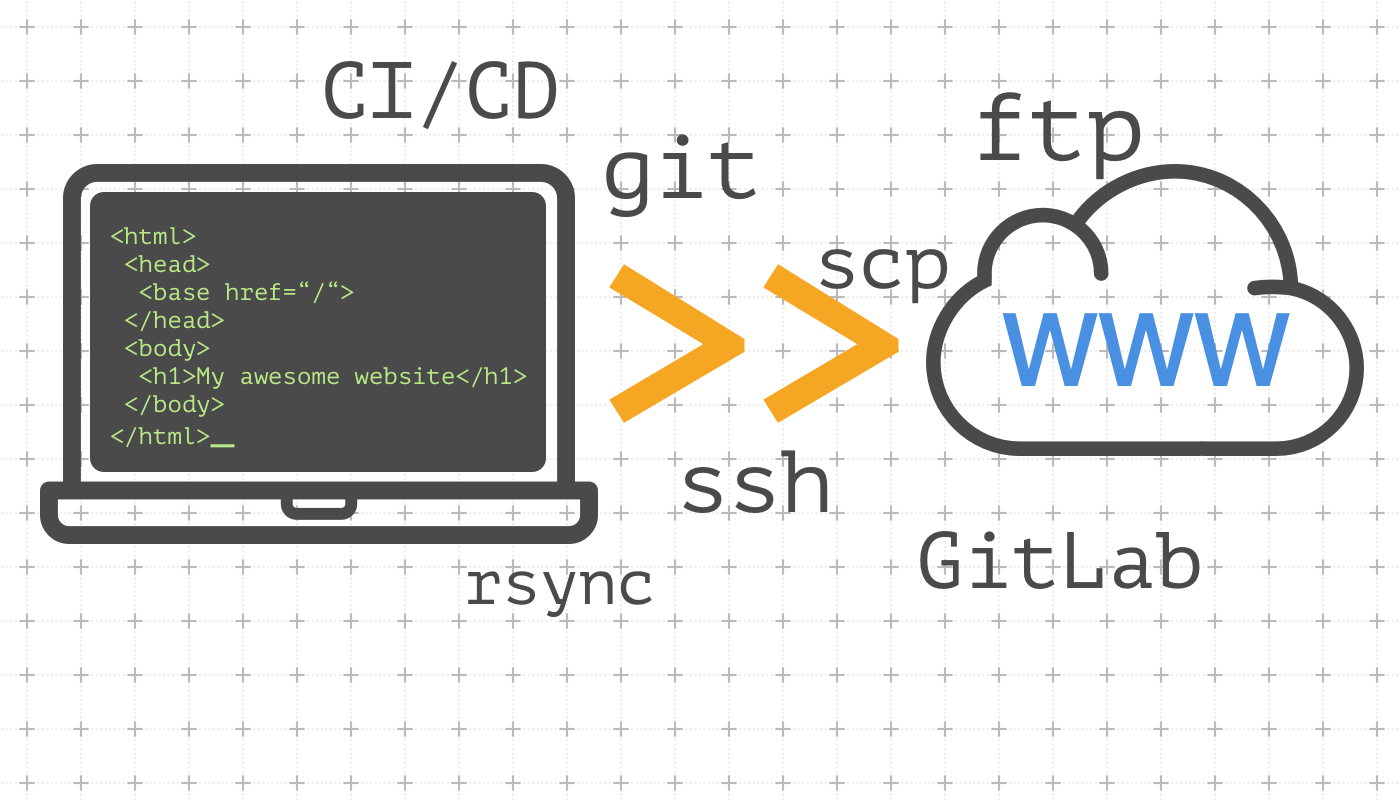
When working on a platform that allows users to purchase domains, select templates, and automatically launch their own websites, I quickly realized that the technical challenges extend far beyond just "deploying code." What started as a simple idea of pushing files to a server evolved into solving problems around scalability, DNS, concurrency, and reliability.
In this article, I’ll share some of the lessons I learned while building such a system and the solutions I found along the way.
1. Starting Simple: One Server to Rule Them All
In the early stages, deployments were handled by a single Linux server. When a client created a new website, the system would connect via SSH, set up the necessary files, configure Nginx, and serve the site.
This worked surprisingly well at first, but the problems became obvious as more clients started using the service:
- Single point of failure – If the server went down, all sites were offline.
- Limited capacity – With only a few cores and gigabytes of RAM, concurrent deployments quickly choked the machine.
- Maintenance pain – Updating dependencies or configs risked breaking all running sites.
This led me to explore scaling and orchestration strategies.
2. Tackling DNS and CDN Integration
Another major challenge was integrating with DNS and CDN providers to ensure that every new site had the right records configured automatically. For each domain, the system needed to:
- Create an A record pointing proxy.domain.com to the server.
- Add a CNAME record mapping domain.com to the CDN’s edge network.
- Configure media.domain.com to point to a dedicated CDN hostname.
At first, I tried doing this manually, but it quickly became unmanageable. The solution was API-based DNS management, where the application automatically calls the provider’s API to create and verify records on behalf of the client. This saved hours of manual work and eliminated human error.
3. Deployment Orchestration and Concurrency Issues
One of the hardest problems to solve was concurrency. Imagine two users triggering a rebuild of their sites at the same time:
- If both deployments wrote to the same directory, race conditions could corrupt files.
- If one deployment failed mid-way, it could leave the server in an inconsistent state.
To solve this, I introduced a queue system with RabbitMQ. Instead of running deployments directly, each request is sent as a job into a message queue. A worker service picks up jobs one by one, ensuring deployments happen in a controlled and isolated way.
For further safety:
- Each deployment runs in its own working directory.
- Failed jobs are re-queued with a backoff delay.
- Error notifications are throttled so they don’t flood logs or chat channels.
This approach stabilized deployments and made it easier to monitor what was happening behind the scenes.
4. Template Deployment at Scale
The platform also needed to support multiple website templates. I initially thought deploying static templates would be trivial, but real-world usage proved otherwise:
- Some templates required extra build steps.
- Others needed custom Nginx rules to handle rewrites.
- Updates to templates had to propagate without breaking existing sites.
I ended up containerizing build processes and separating template logic from the deployment engine. This made templates more maintainable and allowed new ones to be added without refactoring the whole system.
5. Lessons Learned
Looking back, the biggest takeaways from this project were:
- Start simple, but design for growth. One server works in the beginning, but plan for scaling early.
- Automate everything. DNS, CDN, and deployment tasks should never rely on manual steps.
- Use queues to manage concurrency. Message brokers like RabbitMQ are invaluable when dealing with asynchronous, potentially conflicting tasks.
- Separate concerns. Treat templates, deployment logic, and infrastructure as independent modules.
- Expect failure. Build retry and recovery mechanisms into every workflow.
Closing Thoughts
Building a deployment platform taught me that the hardest problems aren’t in writing code, but in orchestrating moving parts reliably at scale. From DNS automation to concurrency control, every challenge required balancing simplicity with resilience.
If you’re building a system where users can launch their own sites, expect to wrestle with infrastructure just as much as application code and embrace message queues, automation, and modular design as your best allies.